What Is a Cash Count Sheet
A cash count sheet is a structured form for counting physical cash by denomination. You list each bill and coin type, count the quantity of each, multiply to get a subtotal, and add everything up. The result is compared to your expected balance — the one your records say should be there.
If the two numbers match, you're done. If they don't, you have a discrepancy — and the count sheet is where the investigation starts.
How to Count Cash by Denomination
Bills
Count each denomination separately: $100, $50, $20, $10, $5, $1. Multiply the quantity by the face value. A stack of 4 × $20 = $80. Record each denomination on its own line.
Coins
Same process for coins: quarters ($0.25), dimes ($0.10), nickels ($0.05), pennies ($0.01). Count rolls separately if you have them. Loose coins get counted individually.
Total
Add all denomination subtotals together. This is your actual cash on hand. Compare it to the expected balance from your daily cash report or transaction log.
Cash Count vs Cash Reconciliation
The cash count sheet answers: "How much physical cash is here right now?"
Cash reconciliation answers: "Does the physical cash match what the records say?"
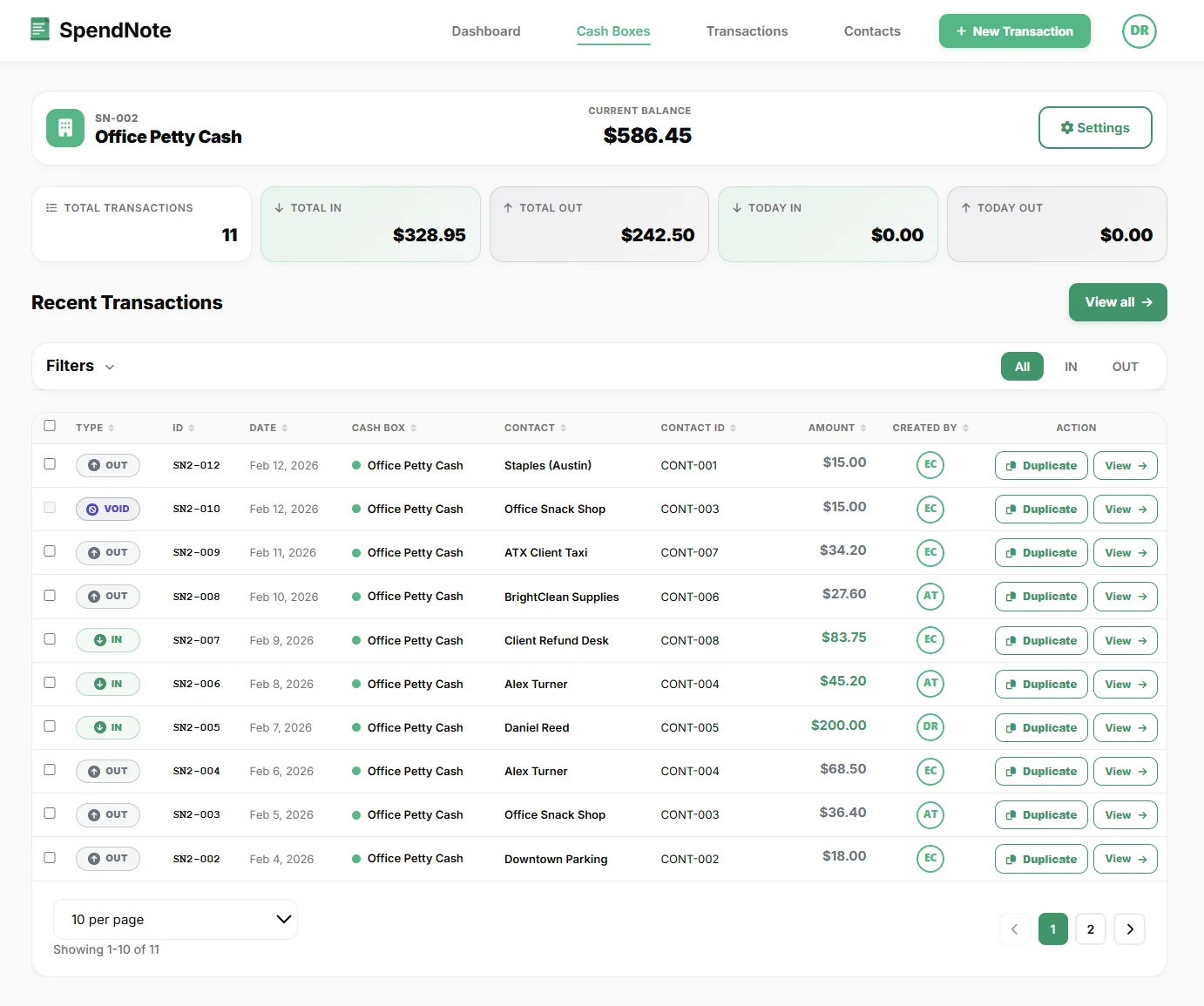
The count sheet is step one of reconciliation. You count the cash, then compare it to the expected balance. If they match, reconciliation is done. If they don't, you investigate using the transaction log, receipts, and reconciliation procedure.
Count Cash, Sign, Print — Done in Seconds
Every cash movement already receipted — the expected balance is ready. Count the cash, compare to the app, sign off. No paper sheet, no spreadsheet. Free to start, no credit card.
Create First Count EntryWhen to Use a Cash Count Sheet
- End of shift — the outgoing person counts and records; the incoming person verifies
- End of day — before locking up, count the cash and compare to today's transactions
- Before and after events — count the float before the event, count again at the end
- Custodian handover — when responsibility for the cash box transfers between people
- Random spot checks — unannounced counts to verify accuracy and discourage misuse
Event Cash Count Sheet & Post-Event Close-Out
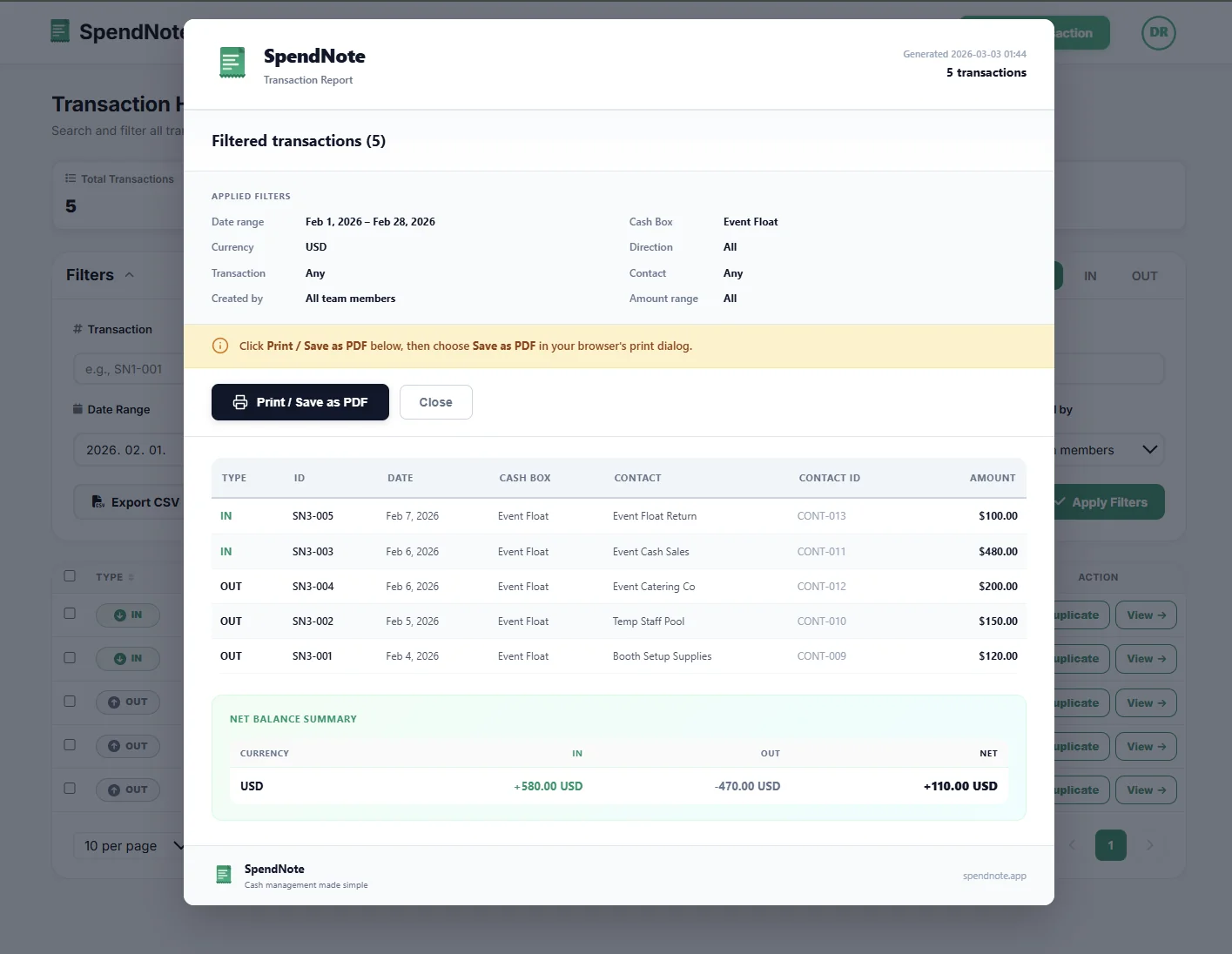
An event cash count sheet — or post-event cash count form — is the same denomination breakdown, used at the close of a fundraiser, bake sale, festival booth, school dance, or volunteer event. It tells you what the booth ended with. The harder part is knowing what should have been there.
The cash count sheet by itself only answers half the question: it tells you the total at the end. To know whether that total is right, you also need a record of every cash handoff, every sale, every change made, and every paid-out during the event. The Codex value-prop puts it best:
A cash count sheet tells you the total after the event. SpendNote records every cash handoff during the event — so the close-out count actually has something to be compared against.
For the front-end of the event flow (volunteer takes the box, treasurer logs the handoff), see our cash box request form guide. For the operational backbone of running cash across multiple booths and volunteers, see event cash handling.
From Paper Sheet to Automatic Balance
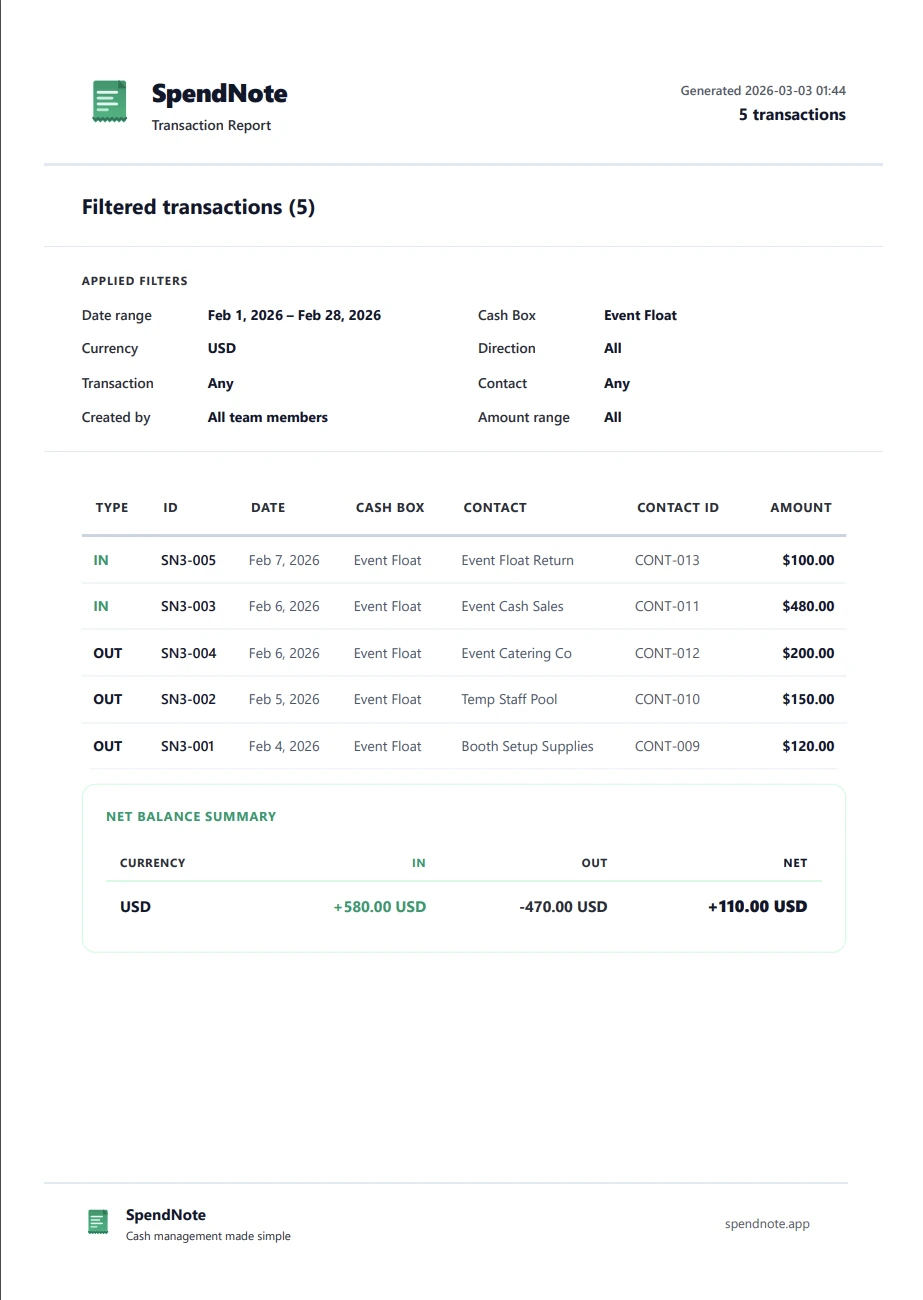
A paper cash count sheet works. But if you're already logging transactions in a digital petty cash book, the expected balance calculates itself. Your count sheet becomes a one-step process: count the cash, compare to the screen. Done.
Important: SpendNote is for internal cash tracking and receipt generation. Cash count sheets and balance comparisons are internal controls — not official accounting records or audit documents. Use them alongside your formal accounting system.
Frequently Asked Questions
What is a cash count sheet?
A cash count sheet is a form used to count physical cash by denomination — how many $100 bills, $50 bills, $20 bills, etc., plus coins. You multiply each denomination by the quantity, sum the totals, and compare the result to your expected balance.
How often should you count the cash box?
Best practice is to count at the start and end of every shift, or at minimum once daily at close. Some businesses also count when changing custodians or after large cash events. The more frequently you count, the faster you catch discrepancies.
What do you do if the cash count doesn't match?
Document the difference on the count sheet. Then investigate: check today's transactions for missing entries, look for unrecorded disbursements, and verify no change-making errors. If you track transactions digitally, you can compare the count to the system balance and trace the gap.
Can SpendNote replace a cash count sheet?
SpendNote tracks every transaction and calculates the expected balance automatically. You still physically count the cash, but instead of filling out a paper denomination sheet, you compare your count to the live balance in SpendNote. If they match, you're done. If not, the transaction log helps you find the discrepancy.