When to Replenish Petty Cash
The petty cash float is set at a specific amount — say, $500. As expenses are paid out, the physical cash decreases. When it gets too low to cover daily needs, it's time to replenish.
Most businesses set a threshold: replenish when the cash box drops below 20–30% of the float. Others replenish on a fixed schedule (weekly or biweekly). The point is to never let the box run empty, because that stops operations.
Before requesting a top-up, the custodian should reconcile the remaining cash against the receipts and petty cash log. The total of receipts plus remaining cash should equal the original float. If it doesn't, investigate before replenishing.
How the Replenishment Process Works
Step 1: Gather All Receipts
Collect every receipt and voucher for funds spent since the last replenishment. These prove where the money went and justify the amount being requested.
Step 2: Calculate the Top-Up Amount
Add up all receipts. The total should equal the amount you need to add back. If your float is $500 and you have $120 remaining with $380 in receipts, the replenishment amount is $380.
Step 3: Submit for Approval
Present the replenishment request to the approver (usually a manager or owner) along with the receipts. They verify that the receipts match the requested amount and authorize the top-up.
Step 4: Add Cash and Document
Once approved, add the cash to the box and log the replenishment as an IN transaction. The balance should now return to the original float amount.

What a Replenishment Form Should Include
- Date of the replenishment request
- Custodian name — who manages the cash box
- Current remaining balance
- Total receipts/vouchers attached — sum of all documented expenses
- Replenishment amount requested (should equal total of receipts)
- Approver signature
- Date cash was received and added
Log Your Next Replenishment in Seconds
Every disbursement already has a receipt. At replenishment time, log the top-up and print a signed receipt — documentation done. Free to start, no credit card.
Create Replenishment ReceiptTrack Replenishments Digitally
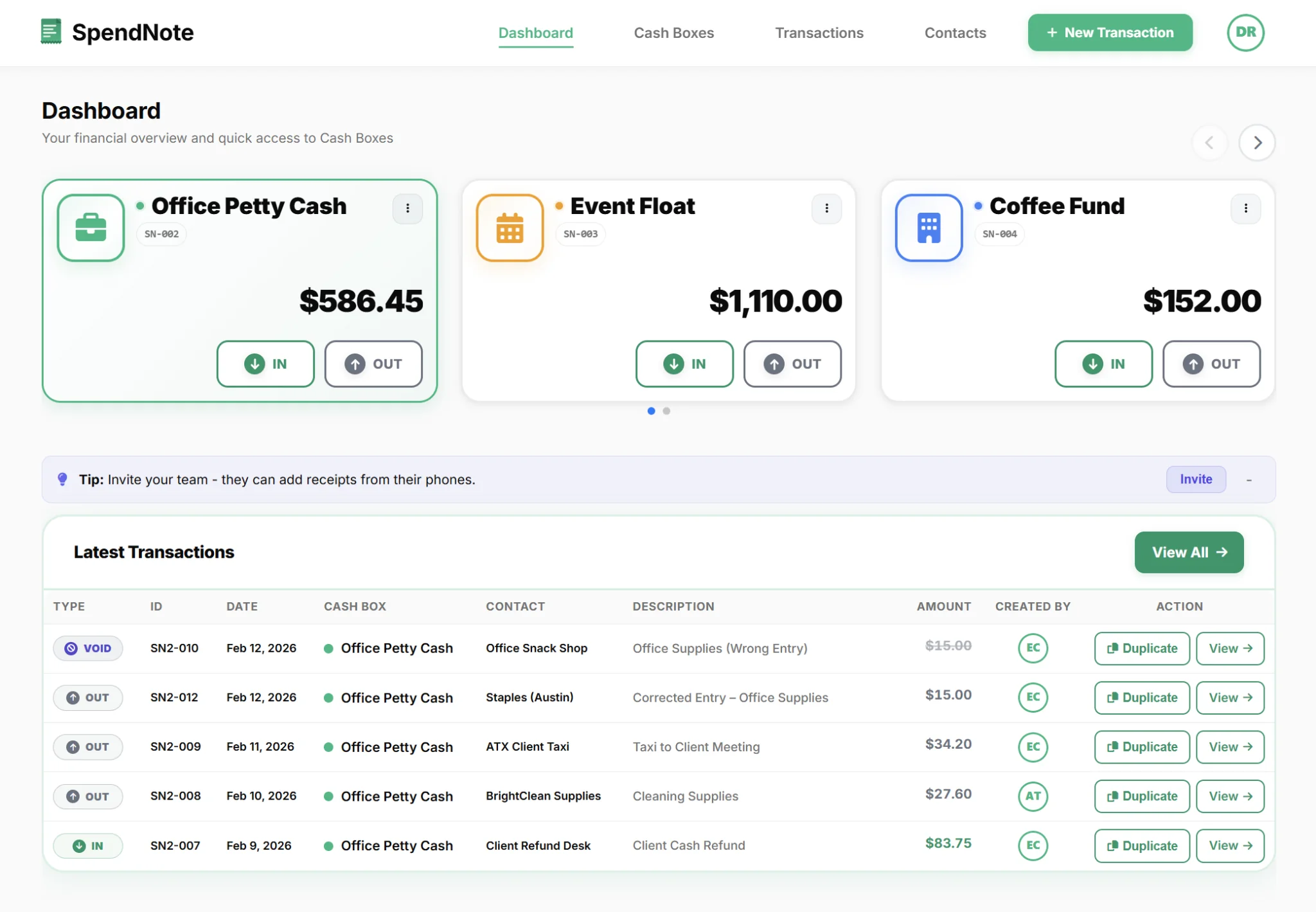
If you use SpendNote as your digital petty cash book, the replenishment process simplifies dramatically:
- Every OUT transaction already has a receipt and timestamp
- The running balance shows exactly how much is left
- Exporting a PDF report gives you the complete list of expenses since the last replenishment
- Logging the replenishment as an IN transaction resets the balance to the float
Need a comprehensive guide on managing the full petty cash cycle? See how to manage petty cash in a small business.
Related Pages for Different Cash-Event Receipts
This page is about topping up the petty cash float. If you need a receipt for a different cash event, here's where to go next:
- Someone paid you in cash and you need to give them a receipt → see proof of cash payment.
- You're giving an employee a cash advance for an expense → see employee cash advance receipt.
- You're handing the cash box itself to another person → see cash handoff receipt.
Important: SpendNote is for internal petty cash tracking and receipt generation. Replenishment documentation in SpendNote is internal proof — not an accounting journal entry, bank reconciliation, or tax document. Your accounting system handles the formal bookkeeping of petty cash replenishments.
Frequently Asked Questions
When should you replenish petty cash?
Replenish when the cash box drops below a set threshold — typically 20–30% of the original float. Some businesses replenish on a fixed schedule (weekly or biweekly), while others replenish on demand. The key is to never let the box run empty.
Who approves a petty cash replenishment?
Typically, a manager or owner approves the replenishment request. The custodian submits the request with supporting receipts showing how the previous funds were spent. The approver verifies the receipts, then authorizes the top-up.
What documents are needed for petty cash replenishment?
You need: the replenishment request form (or digital equivalent), all receipts and vouchers for the funds spent since the last replenishment, a summary of total spent vs remaining balance, and the approval signature. SpendNote provides the transaction history and receipts automatically.
How much should you replenish?
The standard approach is to replenish back to the original float amount. If your float is $500 and you've spent $380, you add $380 to bring it back to $500. This makes reconciliation simple — the replenishment amount should equal the total of all receipts since the last top-up.